Catering catalog template for menus, private dining and events
A seven-page set for caterers and private chefs, with a moody food photo cover in EB Garamond, contents for courses and wine pairings, booking terms, a divider and an order form for events.
Free plan available — all templates are included on every plan. Already have an account? Open it in Templates.


All 7 pages
Cover, welcome letter, contents, how-to-order terms, a section divider, a wholesale order form and a back cover. Your product pages are added between them in the same fonts and colors.


About the Chef's Table template
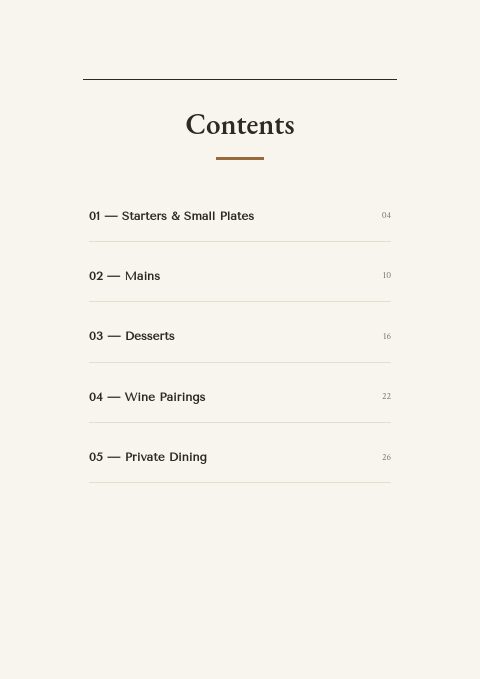
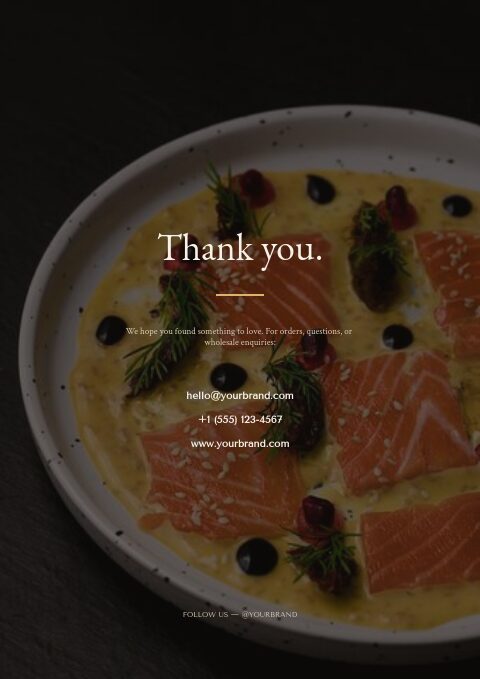
This catering catalog template uses a dark, editorial photograph of a salmon dish for its cover, with an EB Garamond title and edition line. Inside, cream pages with charcoal text, a bronze accent and fine ruled lines stay calm, while Tenor Sans and Crimson Text set the details. The contents are arranged like a menu: starters and small plates, mains, desserts, wine pairings and private dining, and a section divider, topped by a low-lit photo of a cook saucing plates, introduces a course; the back page reuses the cover photo.
Caterers, private chefs and restaurants with an events business can turn their menus into a catalog that clients browse before they call. Add each dish or package as a product, with photo, price per person, description and dietary tags, from Shopify, a CSV or by hand. The order form becomes an event booking sheet with date, contact and quantities. Print it for tasting meetings, or share a flipbook link and QR code with corporate clients and wedding planners.
Best for
- Caterers presenting set menus and per-person packages to event clients
- Private chefs and supper clubs offering chef's table evenings
- Restaurants promoting private dining rooms and group menus
- Corporate catering teams sending lunch and reception menus to offices
- Wedding caterers pairing each course with a wine suggestion
Pages worth a closer look
Dark editorial photo cover
A moody photograph of sliced salmon in a speckled bowl fills the cover, with an EB Garamond title and an edition line. It sets a fine-dining tone for the whole catalog, and Replace photo lets you put your own signature dish there instead.
Contents arranged like a tasting menu
Starters and small plates, mains, desserts, wine pairings and private dining appear as numbered courses with page numbers. Clients read the catalog in the order they would eat, and you can rename courses for canapés, stations or late-night bites.
Ordering terms for event bookings
The three-step how-to-order page becomes your booking policy: how to request a quote, minimum spend and guest count, and delivery, service and cancellation terms. Clear terms up front save long email threads with event planners.
Order form adapted for events
Company, date, contact, PO number and ship-to fields map neatly onto an event booking: client, event date, planner, purchase order and venue. The item table handles dishes or packages with quantities, unit prices and totals.
How to plan a catering catalog clients can book from
Price per person and state the minimum
Event clients budget per head. Show a per-person price for menus and packages, the minimum guest count, and what is included, such as staff, rentals or setup. Price trays and platters by the number of guests they serve so a planner can scale an order without a call.
Publish lead times and headcount deadlines
Give the notice you need for standard menus and for large or custom events, and the date by which a final guest count is due. Many caterers ask for final numbers about a week before the event; whatever your rule, put it in writing on the terms page.
Label dietary options on every dish
Vegetarian, vegan, gluten-free and nut-free options are standard requests at weddings and corporate events. Mark each dish with simple codes, list the main allergens, and explain how you handle cross-contact in your kitchen. Clients choose faster when the options are visible at a glance.
Separate drop-off from full service
A delivered platter and a staffed dinner are different products. Show drop-off menus, buffet service and plated service as separate sections or packages, each with its own price basis, staffing, delivery fee and cleanup. Clients compare like with like and are not surprised by service charges later.
Pair wine thoughtfully and note the rules
Wine pairings add value to a menu but come with licensing rules that differ by location. Suggest a pairing per course or offer a pairing package, say whether clients can bring their own wine and what the corkage fee is, and confirm who serves alcohol at the event.
From product list to finished catalog
Start with this set
Open Chef's Table in EasyCatalog and recolor it with one of 12 palettes if you like.
Add your products
Import from Shopify in one click, or upload a CSV, connect WooCommerce or a product feed. Your products fill the product pages automatically.
Download or share
Export a print-ready PDF (up to 300 DPI, CMYK and bleed for print shops) or share an online flipbook with a built-in order form.
Questions about this template
Can I use Chef's Table as a private dining or event menu?
Yes. Its contents are already arranged as courses, from starters and small plates to desserts, wine pairings and private dining, so it reads like a menu while working as a catalog. Add dishes or packages as products with photos and prices, and use the divider page to introduce a course or an event format.
How do clients place an order or booking from this catalog?
Print the order form with the catalog for clients who prefer to email or sign a booking sheet. Online, a wholesale flipbook adds a built-in order form, and each request reaches you by email and in the app. If your menus are on Shopify, a retail flipbook can send clients to your store's checkout instead. Every link has a QR code for printed menus.
How should a catering catalog show prices?
Use the basis clients budget with: per person for set menus and packages, and per tray or platter for drop-off items, with the number of guests each serves. Make service, delivery, rental and gratuity charges visible, and date the prices, since food costs move. A simple from-price on each package helps clients shortlist quickly.
How far ahead should event clients receive a catering catalog?
Send it as early as clients start planning. Weddings are often booked many months ahead, while corporate holiday parties are commonly planned in early fall. Office lunch menus are bought every week, so keep that section current. A shareable flipbook link lets you update the catalog and resend it without reprinting.
More templates like this


Start your Chef's Table catalog
Pick this template, add your products and download a print-ready PDF or share an online flipbook. Free plan available, no card needed.