Restaurant supply order form template for cookware, tabletop and bar
Seven classic pages for foodservice suppliers in paprika and warm cream: cover, welcome, contents, how to order, divider, wholesale order form and back page, plus a photo twin with a china collage cover and a full-photo back page.
Free plan available — all templates are included on every plan. Already have an account? Open it in Templates.


All 7 pages, in two versions
Cover, welcome letter, contents, how-to-order terms, a section divider, a wholesale order form and a back cover. Your product pages are added between them in the same fonts and colors.




About the Restaurant Supplies template
This restaurant supply order form template comes inside a seven-page set styled with fine ruled lines, paprika red accents and warm cream paper. Playfair Display titles have a menu-card feel, and Lato keeps order fields easy to read. The contents page is set up for cookware and bakeware, tabletop and service, kitchen smallwares, bar supplies, and food storage and prep. Its photo twin puts plates and teaware in a cover collage, two photos atop the divider and one full-bleed photo behind the thank-you; twelve palettes recolor it.
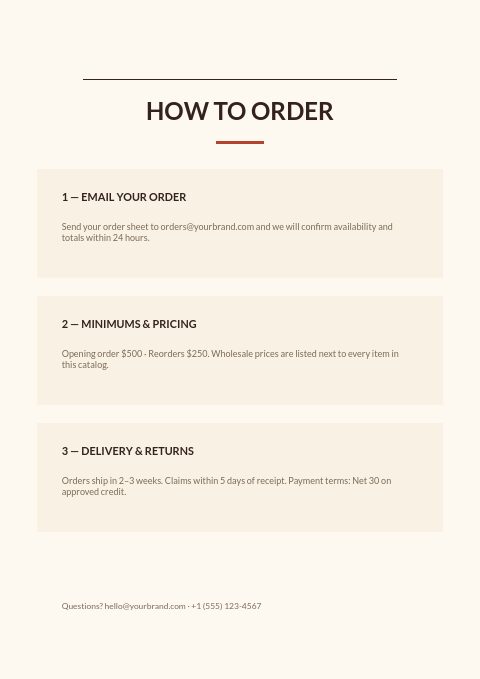
Suppliers use it as the frame around their product grids: a welcome from the owner, a how-to-order page with minimums and delivery terms, dividers between categories and an order form at the back. Your items come in from Shopify, WooCommerce, CSV or a product feed and can sit on grid or line-sheet pages with SKU, size and price. Hand a printed copy to a new account, or send the wholesale flipbook so a chef can order glassware by the dozen.
Best for
- Independent restaurant suppliers that want a tidy trade catalog with an order form
- Bar and glassware wholesalers selling by the dozen or the carton
- Tabletop and serveware importers supplying cafes, hotels and caterers
- Kitchen equipment dealers who quote by phone and confirm by order form
- Suppliers who need a print-ready catalog for a restaurant trade show
Pages worth a closer look
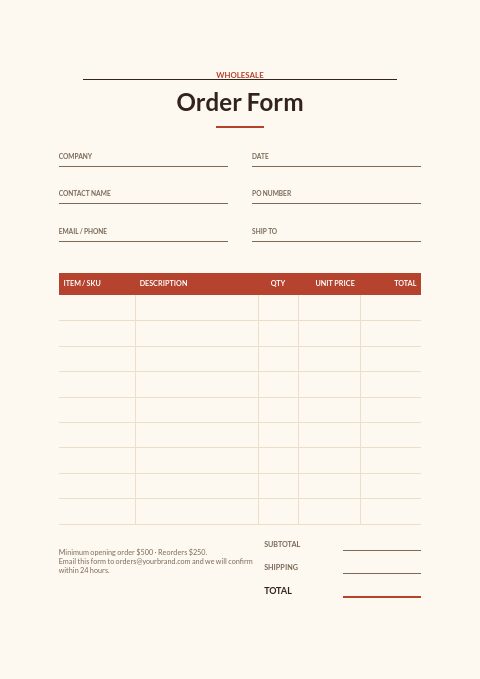
Order form with PO number and ship-to
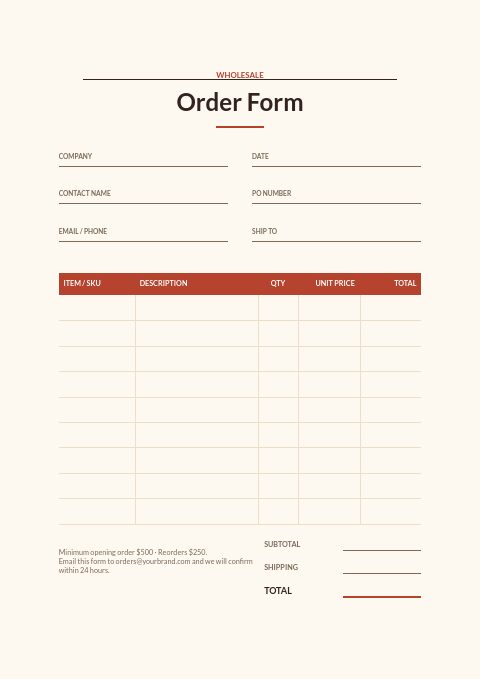
Restaurant groups and hotel kitchens often need a purchase order on every invoice, so the form puts a PO line next to company and contact. Below it, rows for SKU, description, quantity and unit price total up with shipping.
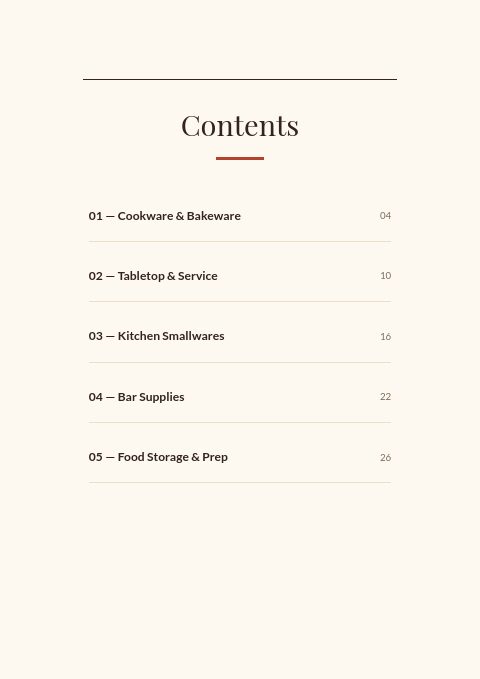
Contents for five foodservice categories
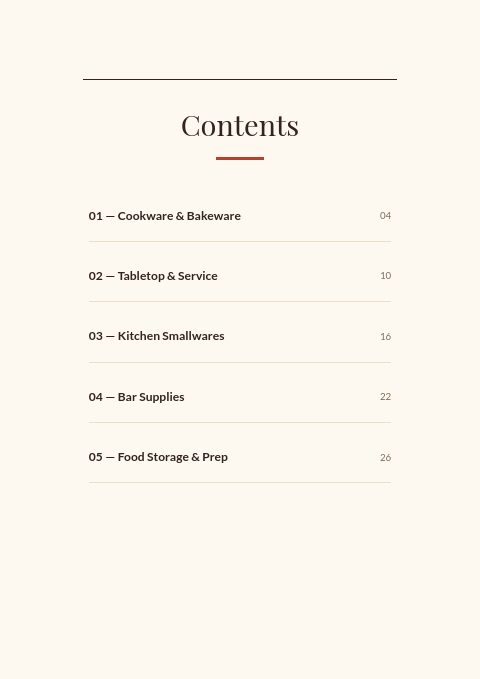
Numbered entries for cookware and bakeware, tabletop and service, kitchen smallwares, bar supplies, and food storage and prep, each with a page number. Rename or reorder them to mirror the aisles of your warehouse.
Welcome letter from the owner
A short signed note opens the catalog. It is the place to say who you supply, how long you have done it and what a new account can expect from you. Restaurant buyers like knowing who will answer the phone.
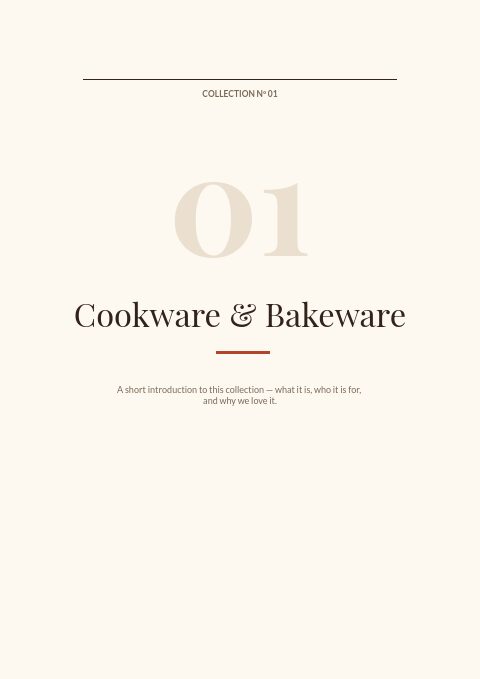
Section divider with an introduction
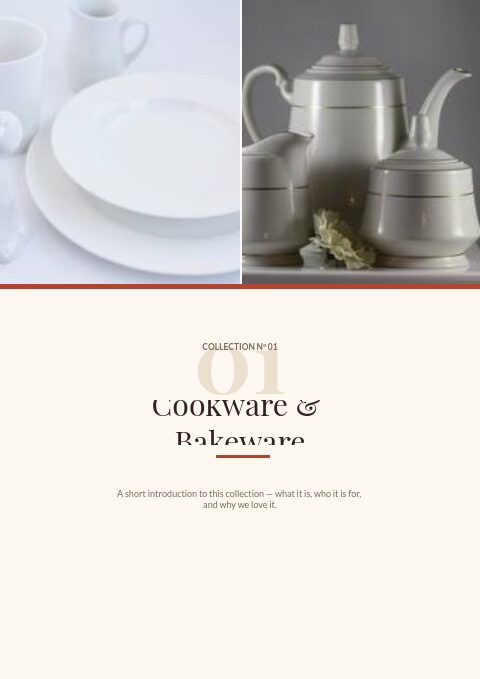
A numbered collection page introduces each category with a headline and a short paragraph. Use it to explain a range, such as heavy-gauge cookware or break-resistant glassware, before the product grids begin.
Tips for a foodservice order form that ships right
Sell glassware and flatware in their real units
Glassware, flatware and many smallwares are packed by the dozen or in cartons of 24 or 36. Print the unit beside each price and accept quantities only in those multiples, or you will spend hours splitting cartons and chasing breakage. Say whether broken cartons can be ordered and at what surcharge.
Ask how and when the kitchen receives
Restaurants often take deliveries only before service, through a back door or an alley. Add fields for receiving hours, the entrance to use and a contact on shift, so drivers do not leave cases outside or bring glassware in the middle of the lunch rush.
Offer a substitution choice
When a pan or glass is out of stock, some kitchens want the nearest equivalent and others want nothing at all. A simple substitutes-OK checkbox on the order form settles it up front and avoids returns of items the chef never wanted.
Spell out breakage and return rules
Glass and china break in transit. State how quickly damage must be reported, whether photos are needed and whether a credit or a replacement follows. Put the same terms on the how-to-order page so the form and the catalog never contradict each other.
Group the form by station
Chefs think in stations: prep, line, pastry, bar and front of house. Order the sections of the form the way the catalog's contents run, so a manager can walk the kitchen with it and fill it in during a single count.
From product list to finished catalog
Start with this set
Open Restaurant Supplies in EasyCatalog, in the clean or the photo version, and recolor it with one of 12 palettes if you like.
Add your products
Import from Shopify in one click, or upload a CSV, connect WooCommerce or a product feed. Your products fill the product pages automatically.
Download or share
Export a print-ready PDF (up to 300 DPI, CMYK and bleed for print shops) or share an online flipbook with a built-in order form.
Questions about this template
What pages are in the Restaurant Supplies classic template?
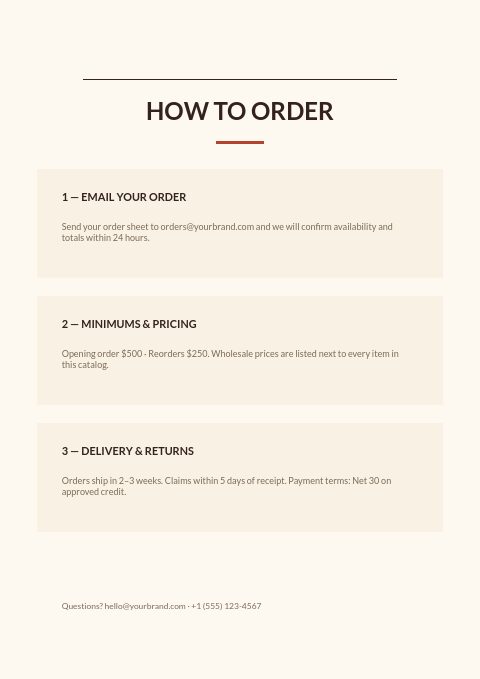
Seven: a cover, a welcome letter, a contents page with five foodservice categories, a three-step how-to-order page, a collection divider, a wholesale order form and a thank-you back page. A photo version swaps in a collage cover, a divider topped with two photos and a full-photo back page. Product pages are added between them from the editor's grids, so the set grows with your range.
Can I change the paprika colors and fonts?
Yes. Pick one of twelve palettes to recolor the set, or set your own colors on any element. Fonts can be changed to any of 112 Google Fonts or 7 system fonts, so the catalog can follow your brand rather than the paprika-and-cream default. In the photo-collage version, the cover, divider and back-page photos can be replaced with yours.
What information should a restaurant supply order form collect?
Buyer and company name, a contact who can approve the order, a PO number, the delivery address with receiving hours, and line items with SKU, description, unit, quantity and price. Add space for substitution preferences and a note on minimums, delivery charges and payment terms so the order can ship without follow-up calls.
How do I sell items that only come by the dozen in a catalog?
Show the pack size on each product card, ideally in the title, for example Rocks glass 10 oz, dozen. The order form in the wholesale flipbook accepts a quantity multiple per product, so buyers can only order 12, 24 or 36, with a minimum or maximum where you need one.
More templates like this


Start your Restaurant Supplies catalog
Pick this template, add your products and download a print-ready PDF or share an online flipbook. Free plan available, no card needed.