Furniture order form template in a warm walnut catalog set
Seven wholesale pages for furniture brands, from cover and welcome letter to ordering terms, divider, order form and back page, in warm walnut tones. The editor's product grids fill the pages in between.
Free plan available — all templates are included on every plan. Already have an account? Open it in Templates.


All 7 pages, in two versions
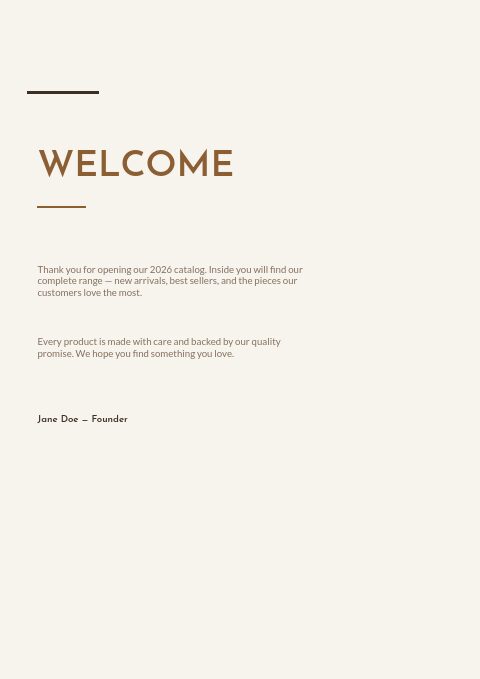
Cover, welcome letter, contents, how-to-order terms, a section divider, a wholesale order form and a back cover. Your product pages are added between them in the same fonts and colors.



About the Furniture template
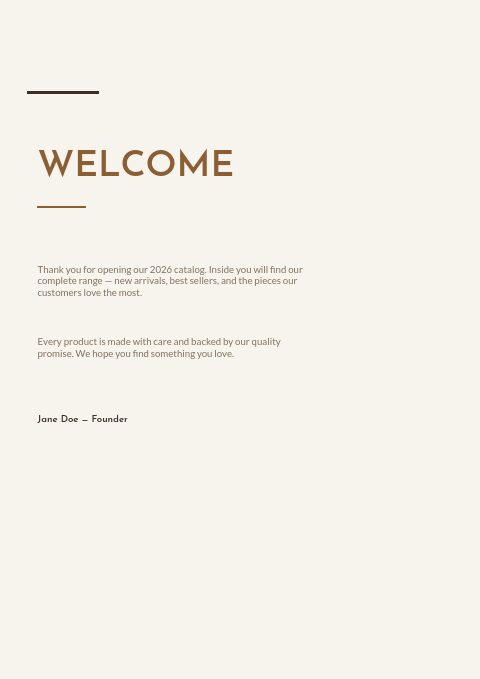
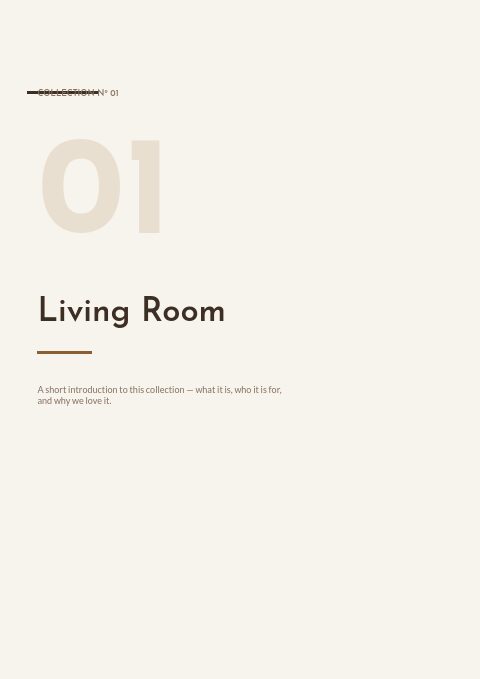
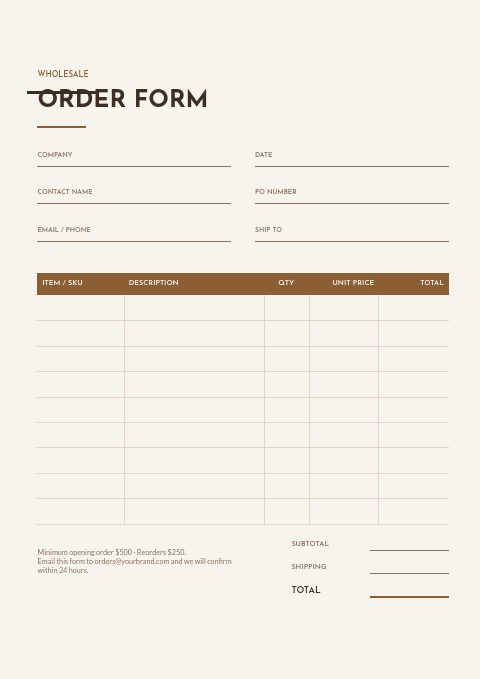
This furniture order form template sits inside a complete seven-page catalog set with a calm, minimal look. Warm walnut brown on a soft cream page, Josefin Sans in spaced capitals and quiet rules give the vector version a showroom feel. A second version adds room photography: a three-photo collage on the cover, two photos above the divider title and a full-page photo behind the back page. The form itself has columns for SKU, description, quantity, unit price and totals, with fields for company, PO number and ship-to address.
Pick one of 12 palettes to match your brand, then add products: import a Shopify collection or upload a CSV, and grids from 2×2 to 4×5 lay out photos, SKUs and wholesale prices. Retailers can print the order form from the PDF and email it back, or order inside the wholesale flipbook, where you set minimum quantities and a minimum order value that the form checks before it is sent.
Best for
- Furniture makers opening wholesale accounts with retailers
- Showrooms sending a printable order sheet after a trade show
- Living room, bedroom and dining ranges sold by SKU
- Small brands that need a short catalog, not a 60-page book
- Sales reps who leave a printed price book with each store
Pages worth a closer look
Wholesale order form
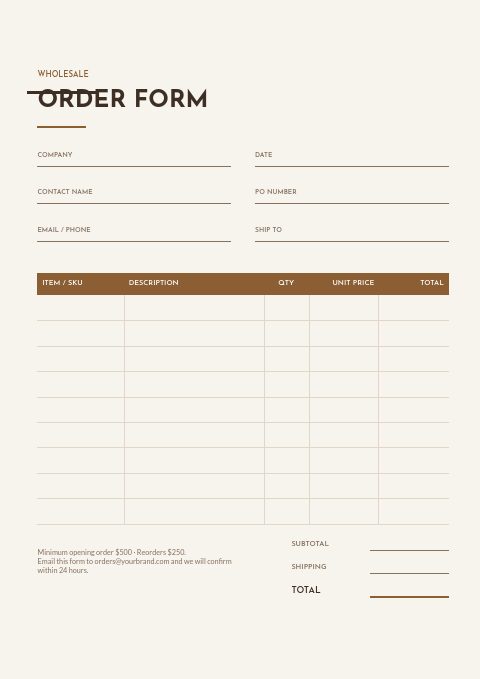
Six header fields (company, date, contact, PO number, email or phone, ship-to) sit above a ruled table with a walnut header row for item or SKU, description, quantity, unit price and line total. Subtotal, shipping and total lines close it, next to a note of your opening and reorder minimums.
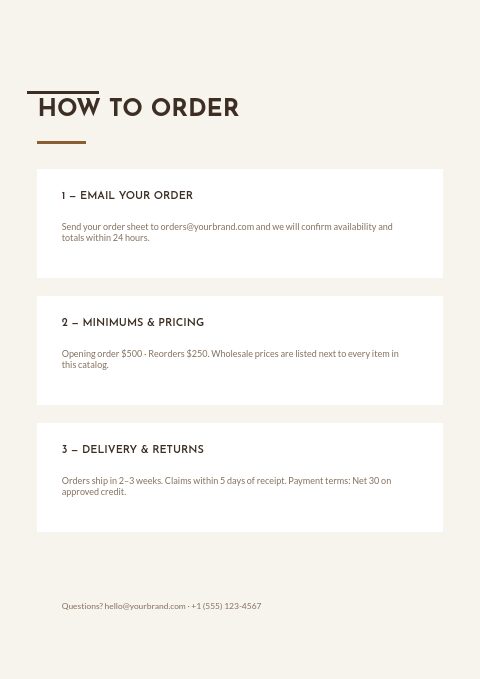
How to order, in three steps
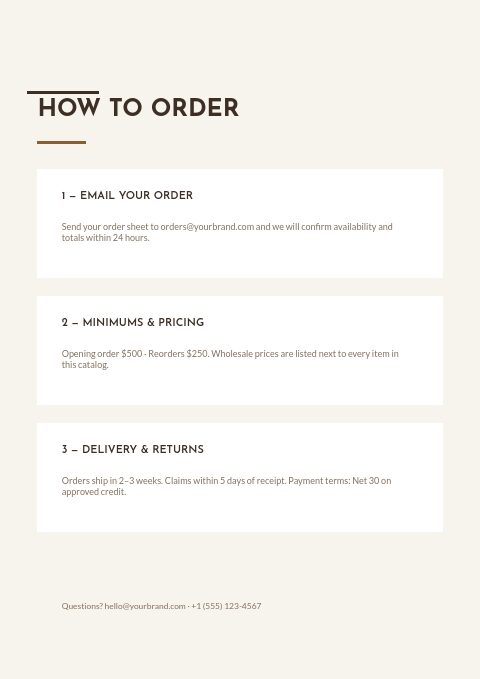
Email ordering, minimums and pricing, then delivery, claims and payment terms are set out as three numbered steps. Retail buyers learn the rules before they fill in the form, so fewer orders need correcting.
Cream cover with walnut capitals
The cover sets the words Furniture Catalog in airy capitals with an edition line and your web and email details. Swap the brown for any of the 12 palettes or switch to the photo-collage cover.
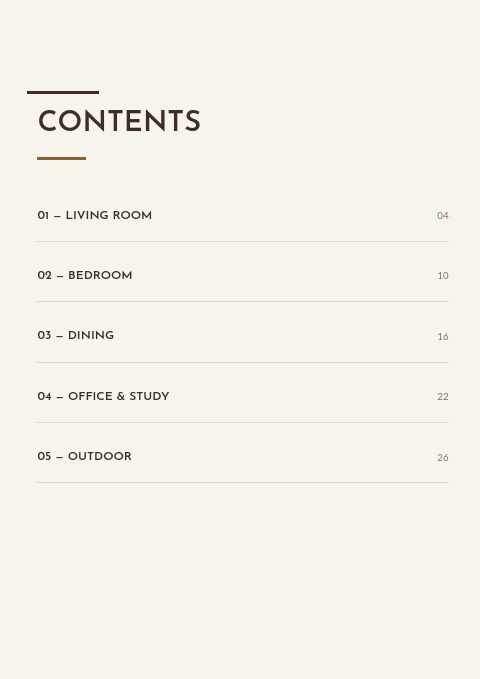
Contents organized by room
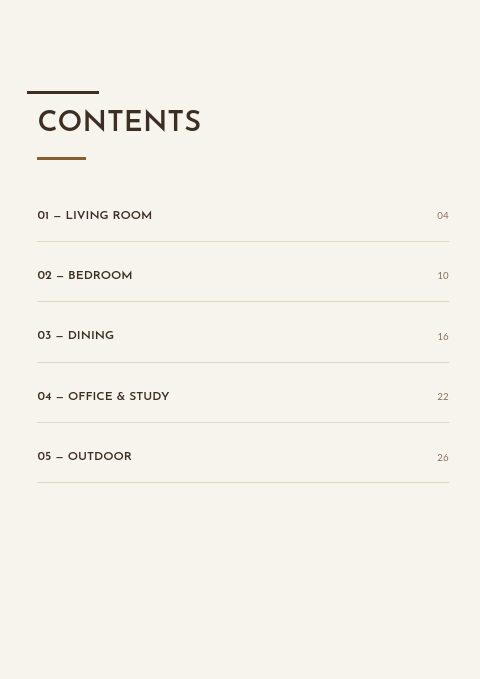
Living room, bedroom, dining, office and study, and outdoor sections are listed with page numbers. Rename them to your collections; buyers who restock one room can jump straight to it.
What a furniture order form needs to capture
Ask for the finish on every line
Furniture is rarely one SKU per item. Add the wood finish, fabric or color to the description column, or give each variant its own SKU, so a buyer cannot order a sofa without saying which leg finish and upholstery they want.
State delivery terms before the order
Bulky pieces travel by freight, not parcel. Say whether you quote freight per order, whether delivery is curbside or room of choice, and how many days buyers have to report damage. The terms page in this set has room for exactly that.
Set an opening order and a reorder minimum
Two minimums protect a furniture business: a higher opening order that makes a new account worth the setup, and a lower reorder level that keeps stores restocking. Print both in the order form footer and set the flipbook's minimum order value to match your opening order.
Number pages like a price book
Retail buyers often order by phone while turning the pages of a printed catalog. Keep page numbers on the contents accurate, group products by room, and print SKUs large enough to read aloud. A buyer who can say page 16, the oak bench, orders faster.
From product list to finished catalog
Start with this set
Open Furniture in EasyCatalog, in the clean or the photo version, and recolor it with one of 12 palettes if you like.
Add your products
Import from Shopify in one click, or upload a CSV, connect WooCommerce or a product feed. Your products fill the product pages automatically.
Download or share
Export a print-ready PDF (up to 300 DPI, CMYK and bleed for print shops) or share an online flipbook with a built-in order form.
Questions about this template
Is the order form in this furniture template printable or online?
Both. The order form page prints with the PDF, so buyers can fill it in by hand and email it back. For online ordering, share the catalog as a wholesale flipbook: it has its own built-in order form, and each order lands in your inbox and in the app.
Does this furniture set include product pages?
The seven designed pages frame your catalog. Product pages come from the editor's grids, from 2×2 up to 4×5 or one-column line-sheet rows, filled automatically from Shopify, a CSV file or a product feed, with photo, title, SKU, price and variants.
What should a wholesale furniture order form include?
Buyer company, contact, PO number, billing and ship-to addresses, requested delivery date, and a line table with SKU, description, finish or fabric, quantity, unit price and total. Add your minimums, payment terms and freight policy at the bottom so the form doubles as a short agreement.
Should a furniture catalog be organized by room or by product type?
Retail buyers usually shop by room, because that is how their floor is laid out: living, dining, bedroom, office. Contract buyers think in product types such as seating, tables and casegoods. If you sell to both, organize by room and add a short product-type index to the contents page.


Start your Furniture catalog
Pick this template, add your products and download a print-ready PDF or share an online flipbook. Free plan available, no card needed.