Lighting brochure template that glows warm gold on black
A seven-page wholesale set for lighting brands, styled in warm gold on near-black like a lit showroom. Its sample sections run from pendants and chandeliers to wall lights, table lamps and outdoor fixtures, with a printable order form.
Free plan available — all templates are included on every plan. Already have an account? Open it in Templates.


All 7 pages, in two versions
Cover, welcome letter, contents, how-to-order terms, a section divider, a wholesale order form and a back cover. Your product pages are added between them in the same fonts and colors.




About the Lighting template
This lighting brochure template works like a dark showroom with the lamps switched on. Near-black pages carry amber-gold accents and cream type, with Julius Sans One capitals for titles, Montserrat for headings and Lato for text. A dark-gold half circle hangs from the top of the cover like a lampshade, and a quarter circle sits in the corner of the inner pages. The seven pages cover the essentials, while its collage edition brings photography to the cover, divider and back page; swap in your own fixture shots with Replace photo.
The contents start with pendants and chandeliers, then wall lights, table lamps and outdoor fixtures, all renamable. Products import from Shopify or a CSV and fill grids with photo, SKU, price and variants such as finish or size. For print, export with the CMYK Print professional option and check a proof of the dark pages, or share a flipbook where lit fixtures read well on any screen.
Best for
- Lighting stores and studios with dramatic fixture photography
- Chandelier and pendant brands selling to designers and showrooms
- Short wholesale brochures for a new lighting collection
- Outdoor lighting ranges sent to garden and building suppliers
- Reps handing out a printed order form at a trade show
Pages worth a closer look
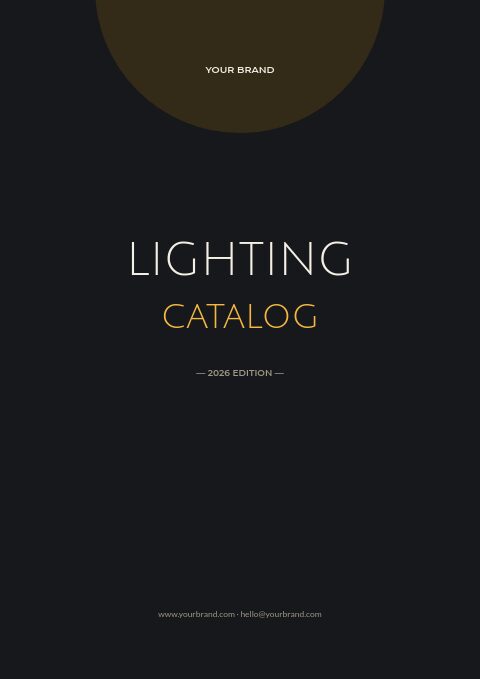
Gold-on-black cover
Lighting Catalog is set in airy Julius Sans One capitals, cream over amber-gold, below a dark-gold half circle, followed by the edition year and your web and email addresses. Black backgrounds make lit fixtures look their warmest, so the cover suits any brand with night photography.
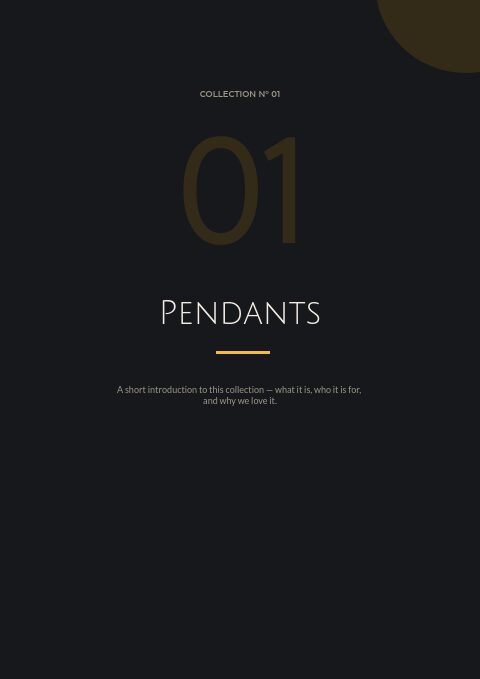
Numbered collection divider
A numbered opener for each family, such as pendants, with space for two lines on what the collection is and who it suits. Place one before each section to give the brochure a showroom rhythm.
Ordering terms in three blocks
The ordering page tells buyers where to email, what the opening and reorder minimums are, and how delivery, claims and payment work. Edit the shipping time to match how long your fixtures take to leave the warehouse.
Wholesale order form
Buyers write their store and delivery details at the top, then list each fixture by SKU with quantity and price. Add a finish code to each line so nobody forgets to choose brass or black.
How to make a lighting brochure that sells fixtures
Photograph fixtures lit and unlit
A lit shot shows the glow; an unlit shot shows the shade, finish and shape. Use both where space allows, especially for glass. On a dark page the lit photo carries the mood, and the unlit one answers the practical questions.
Keep the text short and specific
A brochure is skimmed, not read. Under each fixture give size, finish, socket or light source and price in one or two lines, and move long installation notes to a spec sheet that buyers reach through the product's QR code.
Mind print contrast on black
Large dark areas print more reliably in CMYK with a proof first, because screens show deeper blacks than paper. Keep small text at a comfortable size and in a light color, and avoid thin gray rules that disappear on press.
Name finishes the same way everywhere
Designers specify lighting to match door hardware and faucets. Use one name per finish across your whole range, such as aged brass or matte black, and show a small swatch row so buyers can match fixtures from room to room.
From product list to finished catalog
Start with this set
Open Lighting in EasyCatalog, in the clean or the photo version, and recolor it with one of 12 palettes if you like.
Add your products
Import from Shopify in one click, or upload a CSV, connect WooCommerce or a product feed. Your products fill the product pages automatically.
Download or share
Export a print-ready PDF (up to 300 DPI, CMYK and bleed for print shops) or share an online flipbook with a built-in order form.
Questions about this template
Will a black lighting brochure print well?
Yes, with a little care. Export with the CMYK Print professional option, add 3 mm or 5 mm bleed with crop marks for a commercial printer, and order a proof before a full run. For office printers, switch to one of the lighter palettes.
What pages are in this lighting set?
Seven pages open and close the brochure: the cover and a welcome letter, a contents page, ordering terms, a numbered collection divider, the order form for wholesale buyers and a back page with your contact details. Product pages are created from the editor's grids and fill with your fixtures automatically.
How long should a lighting brochure be?
A brochure for one collection often runs 8 to 24 pages: a cover, a short introduction, the fixtures and an ordering page. A full-line lighting catalog can run to hundreds of pages, and the editor handles up to 500 pages per catalog.
What specs should a light fixture listing include?
Dimensions with drop or extension, finish, light source or socket type, maximum wattage, lumens, color temperature, dimmer compatibility and whether it is rated for damp or outdoor locations. Add the price, SKU and lead time, and note any parts sold separately.


Start your Lighting catalog
Pick this template, add your products and download a print-ready PDF or share an online flipbook. Free plan available, no card needed.