Packaging order form template in a kraft-brown catalog set
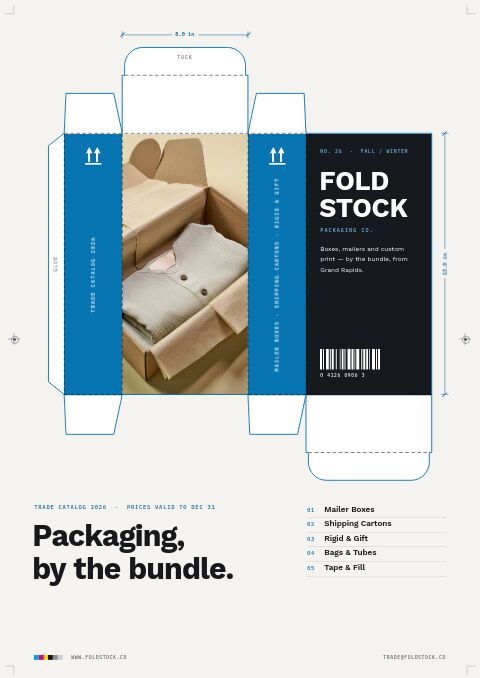
Seven pages for packaging and shipping supply sellers: cover, welcome, contents, ordering terms, divider, wholesale order form and back page, styled like kraft board, plus a photo version with a photo-stack cover and photo back page.
Free plan available — all templates are included on every plan. Already have an account? Open it in Templates.


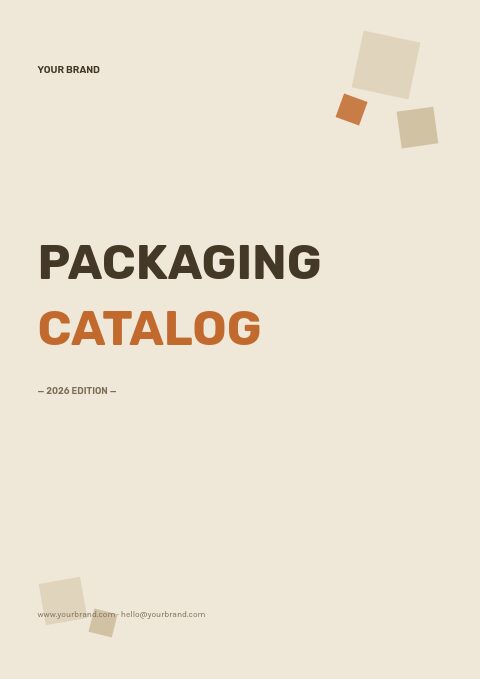
All 7 pages, in two versions
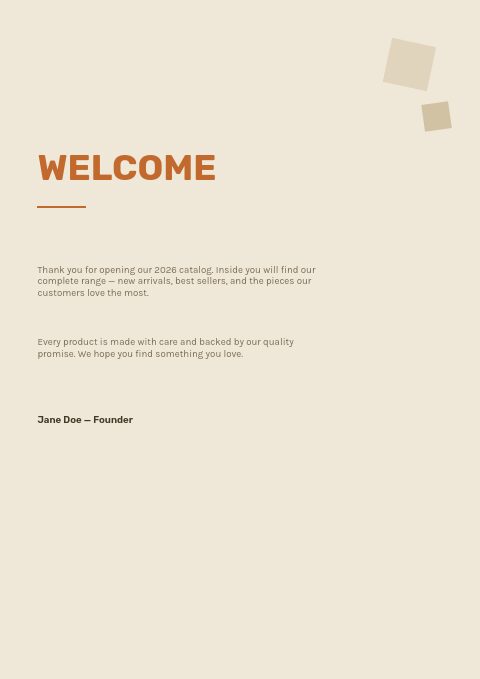
Cover, welcome letter, contents, how-to-order terms, a section divider, a wholesale order form and a back cover. Your product pages are added between them in the same fonts and colors.




About the Packaging template
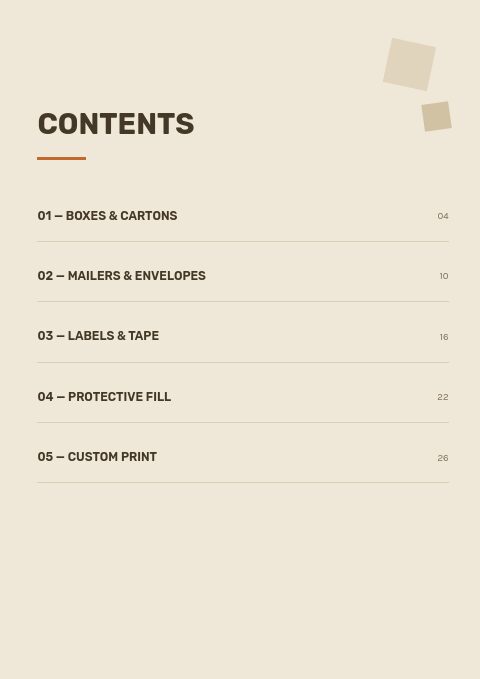
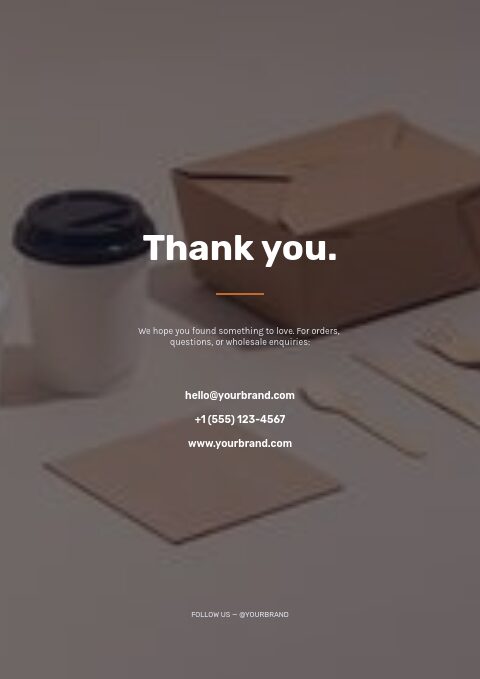
This packaging order form template is styled like a kraft carton: a warm oat-brown page, dark coffee-brown ink, a burnt-orange accent and tan panels, with Rubik for headlines and Karla for text. Box-shaped graphic blocks frame the pages. The contents page is already organized into boxes and cartons, mailers and envelopes, labels and tape, protective fill and custom print. For brands that prefer photography, a second version stacks three photos on the cover, adds a band of photos to the divider and fills the back page with one photo.
Buyers write their company, contact, PO number and ship-to at the top of the order form, then SKU, description, quantity, unit price and totals, with your minimums underneath. Your boxes, mailers and supplies come in from Shopify, a CSV or a product feed and sit on grid or line-sheet pages you add between the set's pages. Switch palettes if kraft is not your brand, then print a copy for each sample pack or share an online order flipbook.
Best for
- Shipping supply stores selling boxes, mailers, tape and fill to small businesses
- Label and sticker printers adding a simple wholesale order sheet
- Local packaging distributors serving restaurants, bakeries and online shops
- Eco packaging brands that want a kraft look without designing from scratch
- Sales reps who leave a printed price list and order form after a visit
Pages worth a closer look
Order form built for box and supply orders
The ruled table takes SKU, description, quantity, unit price and total, so a buyer can list sizes line by line. Buyer fields cover company, contact, PO number and ship-to, and the footer prints your opening and reorder minimums.
Five packaging categories
Boxes and cartons, mailers and envelopes, labels and tape, protective fill and custom print each have a numbered entry with a page number. Keeping custom print as its own section lets buyers find minimums and lead times in one place.
How-to-order page with delivery and claims
Three numbered steps explain how to send an order, minimums and pricing, and delivery, returns and payment terms. For packaging, add your bundle sizes and stock dispatch times here so first-time buyers know what to expect.
How to lay out a packaging supplies order form
Build the size into the SKU
Packaging buyers order by dimension. A SKU that carries the size, such as a code ending in 1210 for a 12 × 10 box, helps them fill in the form without mistakes and helps your team pick the right bundle. Keep the same pattern across every style.
Sell in bundles and say so on every line
Write the pack quantity on each line (bundle of 25, case of 250) and give the price per unit and per pack. In the flipbook order form, set order multiples to the bundle size so nobody orders 37 mailers you cannot ship.
Offer a sample pack
Before committing to thousands of boxes, buyers want to test fit and strength. List a sample pack of your most popular sizes on the order form with its own SKU, and credit its cost against the first full order if your margins allow.
Separate stock items from custom print
Stock boxes can ship in days, while printed packaging needs artwork, proofs and production time. Keep custom items on their own lines with their minimum run and lead time, so a mixed order does not wait for printing unless the buyer wants it to.
State recycled content and recyclability
More brands now ask suppliers about recycled fiber content, recyclability and paper alternatives to bubble wrap and poly mailers. Add these facts to product descriptions and to the welcome page; they often decide a sustainability-minded buyer.
From product list to finished catalog
Start with this set
Open Packaging in EasyCatalog, in the clean or the photo version, and recolor it with one of 12 palettes if you like.
Add your products
Import from Shopify in one click, or upload a CSV, connect WooCommerce or a product feed. Your products fill the product pages automatically.
Download or share
Export a print-ready PDF (up to 300 DPI, CMYK and bleed for print shops) or share an online flipbook with a built-in order form.
Questions about this template
What comes in the packaging classic template set?
A cover, welcome letter, contents, how-to-order page, collection divider, wholesale order form and back page: seven pages in all. A photo version adds a stack of photos to the cover, a band of photos to the divider and one full-bleed photo to the back page. You add product pages with your boxes, mailers and supplies from the editor's grid and line-sheet layouts, and any page can be reordered or removed.
Can I recolor the kraft-brown packaging template for my brand?
Yes. Apply any of the 12 palettes in one step, then fine-tune single colors, fonts and text. Many packaging suppliers keep the kraft look because it matches corrugated stock, but a white-and-blue or black palette suits printed and rigid packaging just as well. In the photo version, Replace photo swaps any picture for your own.
What information should a packaging order form ask for?
Buyer company, contact, PO number, billing and delivery address, then per line: SKU, size, style or board, quantity in packs, unit price and total. Add the delivery date wanted, whether a loading dock is available for pallets, payment terms and minimums. These details save follow-up calls before dispatch.
Should packaging suppliers list prices in their catalog?
For stock items, yes: buyers compare per-unit costs and often skip suppliers that hide them. For custom print, show starting prices for common sizes and minimums, and quote the rest. If your prices change often, keep the catalog linked to your Shopify products and use Sync to refresh prices before you share it again.
More templates like this


Start your Packaging catalog
Pick this template, add your products and download a print-ready PDF or share an online flipbook. Free plan available, no card needed.