Flooring catalog template with a printable wholesale order form
A seven-page flooring set in terracotta clay and warm oak tones, with a wholesale order form and a second version that adds stone-texture photos to the cover, divider and back page. For flooring distributors selling to installers.
Free plan available — all templates are included on every plan. Already have an account? Open it in Templates.


All 7 pages, in two versions
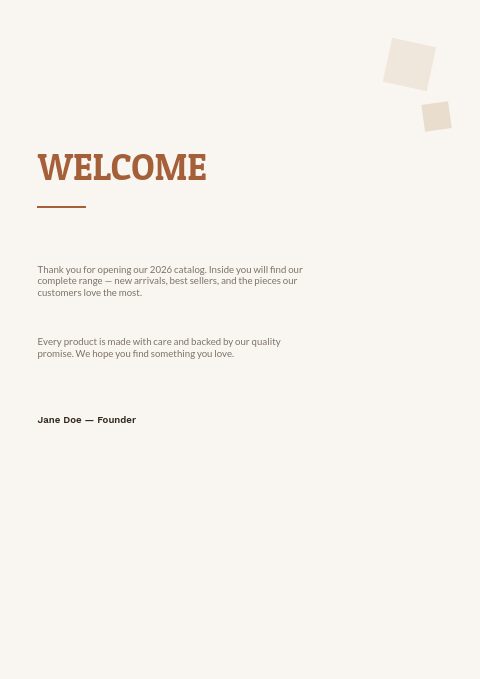
Cover, welcome letter, contents, how-to-order terms, a section divider, a wholesale order form and a back cover. Your product pages are added between them in the same fonts and colors.





About the Flooring & Tile template
This flooring catalog template pairs Patua One slab-serif headlines with Work Sans and Lato text on a warm off-white page. The palette is terracotta clay against dark walnut ink, with small tilted squares in sand and terracotta in the corners of the clean pages. The seven pages are cover, welcome letter, contents, how to order, a collection divider, a wholesale order form and a back page. In the photo version, the cover gains a stone-texture collage, the divider a band of photos and the back page a full-bleed photo.
Its sample contents run from ceramic tile and hardwood to vinyl and LVT, carpet and rugs, and adhesives and grout, so the structure fits a full flooring range. Product pages come from the editor's grids: import from Shopify, a CSV, WooCommerce or a feed, then choose 3 × 3 cards or one-column line-sheet rows. Recolor with one of 12 palettes, print it, or share a flipbook that takes orders.
Best for
- Flooring distributors selling tile, hardwood, vinyl and carpet to installers
- Flooring stores that send a yearly trade price book to contractors
- Laminate and LVT wholesalers that want an order sheet inside the catalog
- Adhesive, grout and underlayment suppliers serving flooring dealers
- Sellers who want a clean version plus a photo version of the cover, divider and back page
Pages worth a closer look
Wholesale order form
Company, PO number, contact and ship-to fields sit above rows for SKU, description, quantity, unit price and total, with subtotal and shipping lines. Installers can fill it in at a trade show or after printing the catalog and email it back.
Contents for five flooring categories
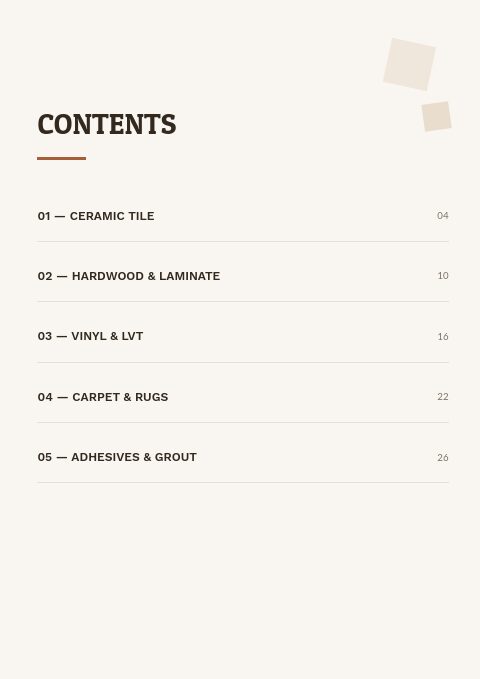
Ceramic tile, hardwood and laminate, vinyl and LVT, carpet and rugs, adhesives and grout, each with a page number. Rename the categories to match your range; numbered rows with page numbers on the right keep the page easy to scan.
How to order, in three blocks
Emailing an order, opening and reorder minimums, and delivery and returns are each explained in a few lines. It covers the first questions a new trade account asks, before anyone has to pick up the phone.
Two-tone slab-serif cover on warm off-white
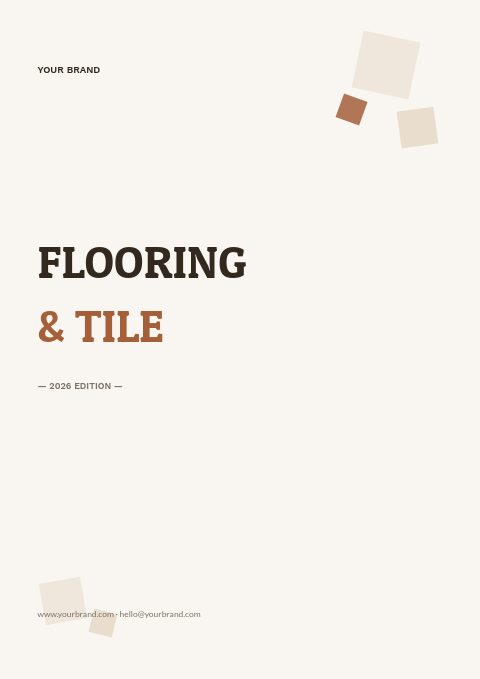
FLOORING in dark walnut and & TILE in terracotta, set in heavy slab-serif capitals with a 2026 edition line and your web and email details. Put your logo in place of the placeholder brand and the cover is ready; the photo-collage version sets the same title below three stone-texture photos.
What to put in a flooring catalog for installers
List the specs installers compare
For each floor give thickness, plank or tile size, edge and bevel detail, and whether it suits wet areas. Add the wear layer for vinyl and the AC rating for laminate. Installers compare these before price, and a missing spec often stalls a quote.
Show coverage per carton
Flooring is sold by the carton, so print square feet per carton next to the price per square foot. Contractors can then estimate cartons straight from your page and add their own waste allowance for the room shape and pattern.
Put accessories next to the floors
Trims, stair nosing, underlayment and adhesives are easy add-ons when they appear right after the floors they match. A closing accessories section, with each item's compatible floors noted, lets the order form collect the whole job in one go.
Explain acclimation and storage
Hardwood and many vinyl products need time on site before installation. A short note on storage, acclimation and moisture checks protects you from claims that start with flooring laid straight off the truck, and installers appreciate the reminder.
Keep minimums and lead times visible
State the opening order, reorder minimum and lead time for special-order colors on the terms page, then repeat the minimum on the order form. Buyers see it while they fill in quantities, which means fewer orders sent back for changes.
From product list to finished catalog
Start with this set
Open Flooring & Tile in EasyCatalog, in the clean or the photo version, and recolor it with one of 12 palettes if you like.
Add your products
Import from Shopify in one click, or upload a CSV, connect WooCommerce or a product feed. Your products fill the product pages automatically.
Download or share
Export a print-ready PDF (up to 300 DPI, CMYK and bleed for print shops) or share an online flipbook with a built-in order form.
Questions about this template
Which pages are in the Flooring & Tile classic set?
Seven: cover, welcome letter, contents, how to order, a collection divider, a wholesale order form and a back page. There are two versions, a clean vector one and one with stone-texture photos on the cover, divider and back page, and your flooring products are added between the pages from the editor’s product grids.
Can I change the terracotta colors to match my brand?
Yes. Pick one of 12 palettes to recolor the whole set at once, or set your own colors, fonts and photos on any page. With 112 Google Fonts and 7 system fonts available, you can swap the slab-serif headline for your brand typeface.
How many flooring products should fit on one catalog page?
For trade buyers, a 3 × 3 or 4 × 4 grid shows enough of each floor while leaving room for size, finish and price. Use a one-column line-sheet layout for trims, adhesives and underlayment, where specs matter more than the photo.
Should a flooring catalog show trade or retail prices?
Show the prices your audience pays. Many suppliers keep retail prices in their store and apply a percentage trade discount to the catalog with the Discount & Tax tool, so one product list serves both. Say whether prices exclude tax and freight.
More templates like this


Start your Flooring & Tile catalog
Pick this template, add your products and download a print-ready PDF or share an online flipbook. Free plan available, no card needed.